Architect PDF vs Solid
Side-by-side comparison of features, pros & cons, pricing, and community votes (2026).
🏆 Solid leads with 466 upvotes
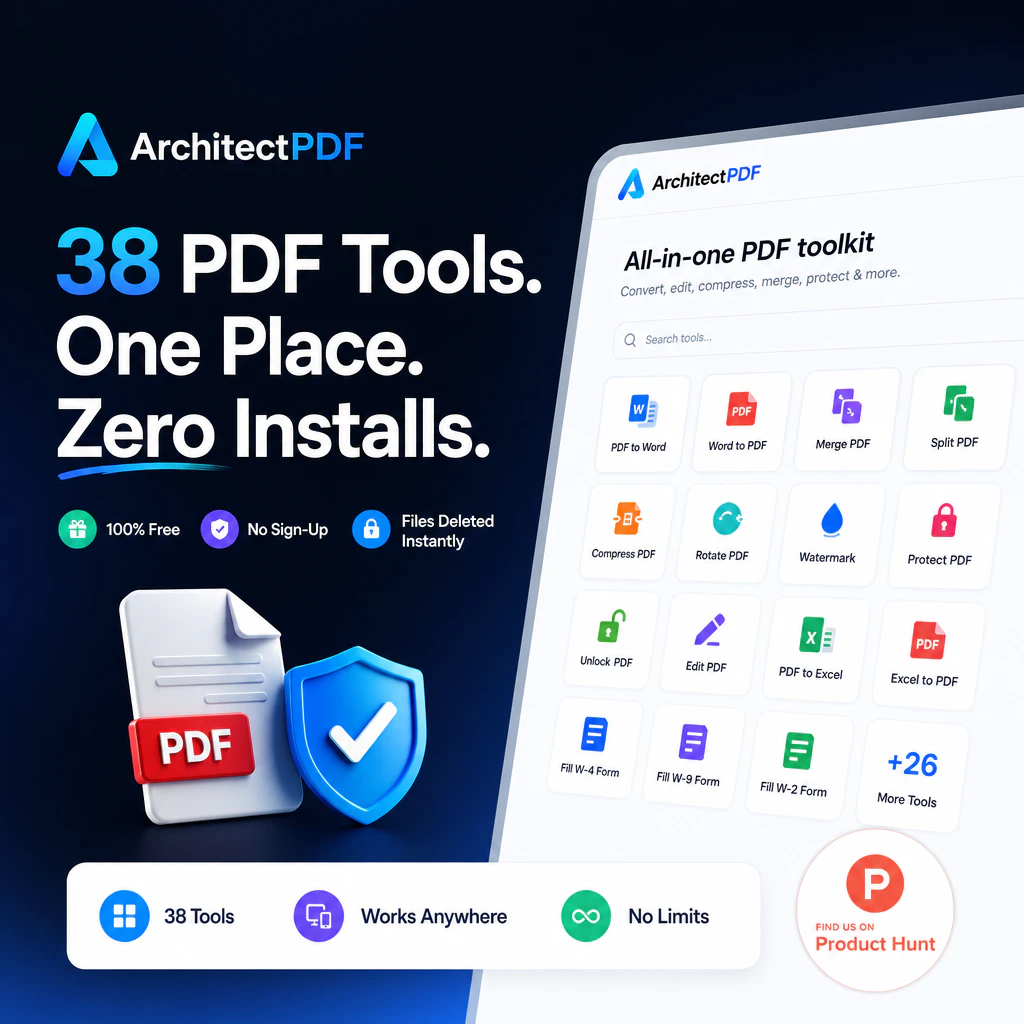
Your entire PDF workflow, free & in one place
Architect PDF offers a comprehensive, browser-based solution for managing all aspects of PDF workflows without the need for downloads or sign-ups. With 38 free tools integrated into a single interface, users can effortlessly convert, merge, split, compress, rotate, watermark, password-protect, and fill tax forms. Its seamless design caters to professionals, students, and anyone who frequently handles PDF documents, providing a streamlined experience that eliminates the hassle of juggling multiple unreliable sites. What sets Architect PDF apart is its emphasis on privacy and convenience — files are deleted instantly after processing, ensuring user data remains secure. This tool is ideal for those seeking a quick, all-in-one PDF management solution that is accessible from any browser, making document handling faster and more efficient.
Pros
- All-in-one platform with 38 free PDF tools in a single interface
- No sign-up, installations, or paywalls required, ensuring quick access
- Files are deleted instantly after processing, ensuring security
- Browser-based with no platform restrictions, compatible across devices
- User-friendly design suitable for both beginners and professionals
Cons
- Lack of advanced editing features found in dedicated PDF editors
- Limited customization options for some tools
- No offline mode or desktop application
Best for
- • Quickly converting PDFs to different formats like Word or JPEG
- • Merging multiple PDFs into a single document for easier sharing
- • Splitting large PDFs into smaller, manageable files
- • Compressing PDFs to reduce file size for email or storage
Pricing: Likely operates on a free model, offering all features at no cost with no sign-up required. There is no mention of premium plans, suggesting it aims to provide a completely free, accessible service.

Agents with their own computers, accounts, and budgets.
Solid is an innovative AI-driven platform that empowers autonomous agents to handle complex, long-term work tasks on behalf of individuals or teams. Unlike typical personal assistants, Solid agents operate independently by setting up their own physical machines, creating accounts, and managing budgets to execute workflows seamlessly. They interact with your apps via APIs or login credentials, building new solutions and resolving issues as they arise. This makes Solid ideal for organizations seeking to delegate substantial and ongoing projects without micromanagement, allowing users to focus on higher-level strategy while the agents handle operational details. Built for scalability and depth, Solid is suited for businesses that require reliable, autonomous support across various development and productivity tasks, offering a unique blend of automation, customization, and end-to-end management.
Pros
- Autonomous agents that handle complex, long-term projects independently
- Operates real machines, manages accounts, and budgets for full control
- Capable of building custom apps, automating workflows, and troubleshooting
- Reduces manual workload and enables teams to focus on strategic priorities
- Designed for scalable, enterprise-level automation
Cons
- Potential complexity in initial setup and onboarding
- Limited publicly available user feedback or case studies
- Requires trust in the autonomous agents to manage sensitive tasks
Best for
- • Automating large-scale data processing and integration tasks
- • Building and maintaining custom software solutions
- • Managing ongoing infrastructure and cloud service accounts
- • Automating repetitive business workflows
Pricing: Pricing not verified