Amara vs Audio Lip Sync Pro for Blender
Side-by-side comparison of features, pros & cons, pricing, and community votes (2026).
🏆 Amara leads with 331 upvotes

Imagine, create and iterate 3D environments instantly
Amara is an innovative AI-powered platform designed for creators and developers working with 3D environments, particularly in Unreal Engine. It streamlines the process of building, exploring, and iterating on 3D scenes by providing AI-assisted tools for rapid model creation and environment design. This enables users to generate multiple scene variations quickly, refine ideas, and discover the most compelling compositions without the lengthy manual process typically involved in 3D modeling and scene development. Ideal for game developers, 3D artists, and designers, Amara transforms creative exploration into a seamless part of the workflow, significantly reducing production time and fostering experimentation. Its integration with Unreal Engine makes it especially appealing for those focused on open-world games, immersive environments, or complex scene creation.
Pros
- Accelerates the environment creation process through AI-driven modeling and iteration
- Integrates smoothly with Unreal Engine, enhancing existing workflows
- Facilitates rapid exploration and refinement of multiple scene variations
- Empowers creators to experiment freely, fostering creative innovation
- User-friendly interface tailored for both professionals and enthusiasts
Cons
- May require familiarity with Unreal Engine for optimal use
- Potential limitations in AI-generated model accuracy for highly detailed assets
- Pricing details are not explicitly provided, which could impact budgeting decisions
Best for
- • Rapid prototyping of 3D environments for game development
- • Creating multiple scene variations for visual storytelling
- • Designing open-world game environments with iterative refinement
- • Producing immersive virtual experiences for VR/AR projects
Pricing: While specific pricing details are not provided, Amara likely follows a freemium model with a free tier offering basic features and paid plans providing advanced tools and higher usage limits. Subscription costs probably start around a modest monthly fee, accommodating both individual creators and teams.
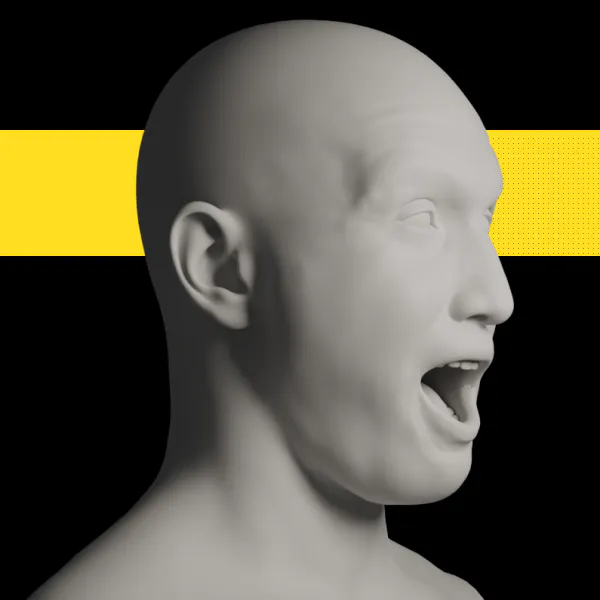
Generate high-quality facial animations, direct from audio.
Audio Lip Sync Pro for Blender is a specialized tool designed to streamline the process of creating realistic facial animations directly from audio clips. Perfect for animators and 3D modelers, it automates the lip-syncing process, saving time and enhancing accuracy. Its primary strength lies in performing all processing locally, ensuring user privacy and eliminating the need for accounts, subscriptions, or internet connectivity. Currently supporting meshes with ARKit blendshapes within Blender via the Video Sequencer, the tool offers a seamless workflow for animators working on character lip movements. Future releases for Unity and Maya promise to expand its versatility across popular animation platforms. This one-time purchase software appeals to professionals seeking reliable, high-quality lip-sync animations without ongoing costs or cloud dependency.
Pros
- Performs all processing locally, ensuring privacy and security
- One-time purchase with lifelong ownership
- Supports ARKit blendshapes within Blender for accurate lip animations
- Easy to integrate into existing Blender workflows
- Future support for Unity and Maya enhances versatility
Cons
- Limited current platform support (only Blender, with Unity and Maya upcoming)
- Requires familiarity with Blender and mesh setup
- Features may be limited compared to more comprehensive animation suites
Best for
- • Creating lip-sync animations for character models in Blender
- • Automating facial animation workflows to save time
- • Developing high-quality facial expressions for game characters
- • Producing realistic dialogue animations for short films or commercials
Pricing: Pricing not verified