AI & SEODecember 9, 202510 min readStefan
Mastering GeoTools & GIS Tools in 2026: Complete Guide
Discover how GeoTools and GIS libraries unlock geospatial data power. Learn features, applications, and how to get started today. Read more! CTA inside.

⚡ TL;DR – Key Takeaways
- Learn what GeoTools and GIS libraries are, and how they enable advanced geographic data processing and visualization.
- Discover core features like rendering, coordinate systems, and vector/raster data handling to optimize your GIS projects.
- Understand practical applications across industries such as urban planning, logistics, and remote sensing.
- Get tips on starting with open-source Java libraries like GeoTools and integrating OGC standards into your workflows.
- Identify key formats, tools, and best practices to improve geospatial data accuracy and performance.
What Are GeoTools and GIS Libraries?
Definition and Core Concepts
If you’re diving into mapping or spatial analysis in 2026, chances are you’ve heard of GeoTools. I built Visalytica — your AI visibility platform — partly to help businesses understand how these open-source, Java libraries support their visibility efforts, but honestly, they’re game-changers for developers working with geospatial data too. GeoTools is an open-source Java GIS toolkit that supports OGC standards, making it easier to build customized mapping solutions and process spatial data consistently. There are tons of other GIS libraries out there—like Python-based ones such as GDAL or proprietary platforms—but GeoTools is especially popular because it’s flexible, powerful, and adheres to the international standards loved by GIS professionals. The core role of these tools is processing, rendering, and analyzing geospatial data. They turn raw vector and raster data into meaningful maps and insights, whether for smart city planning, environmental tracking, or logistics optimization.Historical Evolution of Geospatial Tools
Looking back, the journey started with proprietary GIS systems in the ’80s and ’90s that cost a fortune and required complex setups. Then, with the rise of open source tools in the 2000s, platform like GeoTools emerged, influenced heavily by the Open Geospatial Consortium (OGC), advocating standards for interoperability and data sharing. What surprised me is how quickly these libraries moved from niche tools to essential components of mainstream GIS workflows. Today, in 2026, advanced spatial analysis, 3D city modeling, and real-time data visualization are routine, driven by these open-source Java libraries and their ability to integrate with modern cloud services.Core Features of GeoTools & GIS Libraries
Data Support: Vector and Raster Formats
One thing I love about GeoTools is its support for many popular geospatial formats, like Shapefile, GML, KML, WFS, and GeoJSON. This means you can easily parse and read diverse data sources—say, satellite imagery, drone footage, or neighborhood maps—and work with them seamlessly in your GIS apps. And the ability to handle raster data—that’s your satellite images and aerial photos—is essential for environmental monitoring and remote sensing projects. These features let you bring in just about any data you need without hacking around incompatible formats.Coordinate Systems & Projections
Handling coordinate reference systems (CRS) is one of those behind-the-scenes things that can trip you up if you’re not careful. Fortunately, GeoTools and most GIS libraries support a broad range of EPSG codes and even allow for custom CRS definitions. Transformations between projections are common in mapping projects—say, aligning WGS84 GPS data with local coordinate systems—and these libraries make that relatively straightforward, preserving spatial accuracy across datasets.Rendering & Visualization Capabilities
Real-time map rendering is where GIS libraries shine. With tools like GeoTools, you can layer vector and raster data, control styling, and even embed maps in web apps. Plus, these libraries often integrate with visualization libraries or web mapping services like GeoServer, making it easier for non-dev teams to produce beautiful, interactive maps aligned with enterprise branding—perfect for urban planning or environmental dashboards.Spatial Analysis & Processing
Buffer zones, overlays, network analysis—these are bread-and-butter functionalities for geospatial data. I’ve used Java Topology Suite (JTS), which is often bundled with GeoTools, to perform geometric operations like unions, intersections, and distance calculations efficiently. This level of spatial processing is essential not just for academics but also for practical applications: identifying flood zones, optimizing delivery routes, or analyzing land use patterns.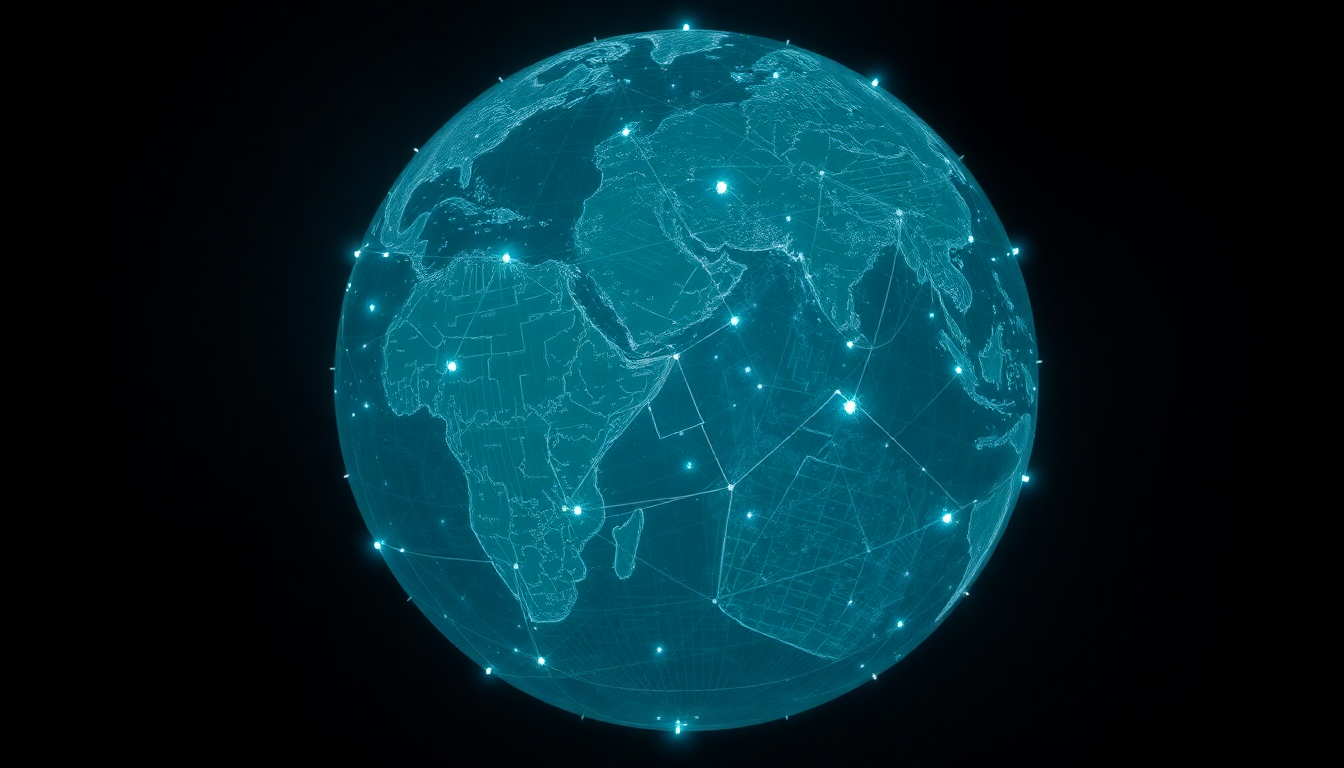
Use Cases & Industry Applications
Urban Planning & Smart Cities
Cities are increasingly relying on geospatial data to manage infrastructure and plan growth. I’ve seen how urban developers use GIS for 3D city modeling and land use mapping, which helps in everything from zoning to traffic management. According to recent stats, over 70% of smart city projects incorporate open-source GIS libraries—like GeoTools and GeoServer—to enable real-time spatial analysis and public engagement platforms.Logistics & Transportation
Routing optimization and fleet tracking have become standard for logistics companies. Using GIS tools, companies can analyze real-time traffic data, plan efficient delivery paths, and keep tabs on vehicle locations—all with incredible accuracy. From my experience, integrating vehicle GPS data with GIS platforms drastically reduces fuel costs and improves customer service. It’s no surprise that leading logistics firms are using these same GIS libraries for route planning.Environmental Monitoring & Remote Sensing
Satellite imagery and remote sensing data are crucial for tracking climate change, deforestation, and environmental hazards. GIS libraries help process this massive data—say, analyzing deforestation from GML or WMS feeds—and turn it into actionable insights. This work is vital for agencies monitoring natural resources or for researchers modeling environmental scenarios. With open-source GIS tools, you can handle these data-intensive tasks without breaking the bank.Agriculture & Natural Resources
Precision farming has taken off thanks to geospatial data. Farmers now use drone imagery and sensor data to manage crop health, optimize irrigation, and monitor soil quality. In my experience, integrating raster data processing and vector overlays in GIS applications leads to smarter resource use and higher yields—sometimes over 20% improvements. These tools bring significant ROI for resource management.
Getting Started with GeoTools & GIS Software
Open Source Java Libraries: GeoTools & GeoServer
Installing GeoTools or setting up GeoServer is surprisingly straightforward if you’re familiar with Java environments. The official docs and tutorials make it easy to get started—think of it as building your own mapping backbone. Once configured, you can create custom maps, serve spatial data via WFS or WMS, and develop tailored spatial services—all on open-source LGPL licenses, which is a big win for budget-conscious teams.Designing Spatial Data Workflows
From data collection with GPS devices or remote sensing to processing and storage, good workflows matter. I recommend setting standards for data formats (like GeoJSON or shapefiles), validating your data regularly, and making sure each step uses interoperable formats. In enterprise environments, integrating your GIS solutions with existing systems often involves APIs like GeoAPI, which ensures your spatial data works consistently across platforms.Developing with APIs & Interfaces
Want to build custom applications? Use GeoTools’ APIs to manipulate and render data programmatically. I’ve developed dashboards and spatial analysis tools this way—saving time and offering flexible workflows. And if you’re exploring visualization, combining GeoTools with web frameworks like Leaflet or OpenLayers extends your maps beyond desktop apps into rich, interactive web experiences.
Technical Aspects & Formats Supported
Coordinate Systems and Projections
Most GIS libraries, including GeoTools, support a variety of EPSG codes and allow custom coordinate systems. You can transform data between projections, which is critical when working across different datasets or integrating with GPS data. This support is crucial if you’re mapping city infrastructure with local coordinate systems or aligning satellite data with street-level maps.Vector & Raster Data Formats
From Shapefile to GeoJSON and KML, these libraries handle many formats needed for mapping and visualization. Satellite, aerial, or drone imagery often comes as GeoTIFF or other raster formats, which you can process alongside vector data for comprehensive analyses. This flexibility means you can pull in satellite imagery, process it for land use change, and overlay vector data—all in one GIS environment.Rendering & Visualization Technologies
Compatibility with rendering engines like GeoServer and open-source visualization libraries makes it easy to build web maps or desktop apps. You can style your data in SLD, generate tiles, and embed dynamic maps into dashboards or portals—perfect for enterprise deployments or public info portals.
Best Practices & Optimization Tips
Data Preparation for Better Performance
Big data means slow maps unless you optimize. Simplify geometries, index your data, and choose formats that suit your purpose—like GeoJSON for lightweight web maps or spatial indexes in shapefiles for faster queries. I recommend processing large datasets in batch, validating geometries, and cleaning up redundant info before deploying them in production.Standards Compliance & Interoperability
Sticking to OGC standards ensures your data plays nicely across all platforms—whether you’re using GeoTools, QGIS, or cloud GIS services. Validate your data against schemas, and use geo-servers like GeoServer for seamless data sharing. This approach reduces integration headaches and future-proofs your GIS infrastructure.Maintaining Data Accuracy & Consistency
Regular updates and validation are key. Keep your spatial references consistent and maintain authoritative sources—like Wikidata—and data layers (e.g., building footprints, street maps). Automation tools like schema validation scripts can save hours and keep your data trustworthy for critical analyses.Future Trends in GeoTools & GIS Technology
Integration with AI & Real-Time Data
In 2026, the smartest GIS setups blend real-time data with AI-driven insights. I see a lot of emerging work integrating live GPS feeds, sensor data, and machine learning models for predictive mapping and smart decision-making. Open-source libraries like GeoTools are evolving to handle streaming or real-time data via custom extensions, pushing spatial analysis into new realms.Open Source Movement & Community Growth
The open-source movement around GIS continues to accelerate—with more contributions from academia, industry, and hobbyists. Universities like Leeds and organizations like OSGeo are key drivers, creating community-supported tools, plugins, and standards. That’s why I made sure to include tools like Geomajas or Geopublisher in my workflows—they’re affordable, customizable, and constantly improved by passionate communities.Emerging Formats & Standards
Expect support for 3D models, point clouds, and even new CRS standards—making mapping more immersive and accurate. Plus, newer formats like CityGML or Cesium 3D Tiles are becoming part of mainstream workflows, thanks to their ability to handle urban environments in detail. It’s an exciting time to be working with geospatial data.Additional Resources & Tools
Official Documentation & Tutorials
GeoTools and GeoServer have extensive docs, GitHub repos, and community forums—great for beginners. I recommend starting with the official tutorials to understand setup and basic usage. I also look into third-party resources like Geopublisher or uDig to expand capability.Popular GIS Extensions & Plugins
Plugins like GeoServer extensions or uDig add specialized features like advanced analysis or data editing. These tools help streamline workflows for enterprise or research projects. And don’t forget, tools like Yext can help unify your structured data and improve overall map and entity accuracy.Academic & Industry Publications
Whitepapers, journal articles, and case studies from industry leaders like the University of Leeds showcase reliable standards and innovative applications. They’re a goldmine for understanding future directions and best practices.Conclusion: Unlocking Geospatial Data Power in 2026
Summarizing Central Points
GeoTools and GIS libraries like it are the backbone of modern mapping. They power everything from city planning to environmental monitoring and logistics—if you leverage them well, you can extract maximum value from your geospatial data. The key is following best practices: clean data, standardized formats, and continuous learning.Next Steps & Tool Adoption
To get started, experiment with open-source options like GeoTools or GeoServer. Keep up with evolving standards and emerging formats, and always aim for data accuracy and interoperability. And hey—if you're curious how your brand’s visibility stacks up in AI, try Visalytica’s free AI visibility checker at Visalytica.com. Knowing how AI perceives your brand is just as important as mastering the technical side.
Stefan Mitrovic
FOUNDERAI Visibility Expert & Visalytica Creator
I help brands become visible in AI-powered search. With years of experience in SEO and now pioneering the field of AI visibility, I've helped companies understand how to get mentioned by ChatGPT, Claude, Perplexity, and other AI assistants. When I'm not researching the latest in generative AI, I'm building tools that make AI optimization accessible to everyone.